
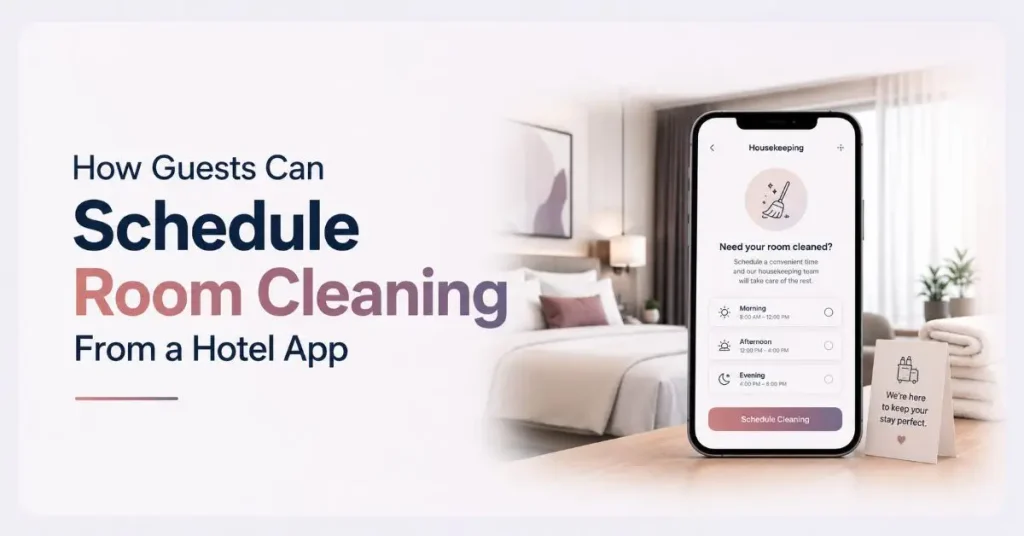
Nobody wants housekeeping knocking during a nap or a work call. With a hotel app, you no longer have to leave it to chance. You choose the time, and the cleaning is done when it works best for you.
More hotels now let guests schedule room cleaning from a hotel app instead of calling the front desk or hanging a paper sign on the door. A few taps set your preferred slot, and the request lands straight with housekeeping. No phone tag, no mistimed knocks.
Here is exactly how it works, what else you can control, and a few tips to make sure your room is ready when you want it.
Can Guests Schedule Their Own Room Cleaning?
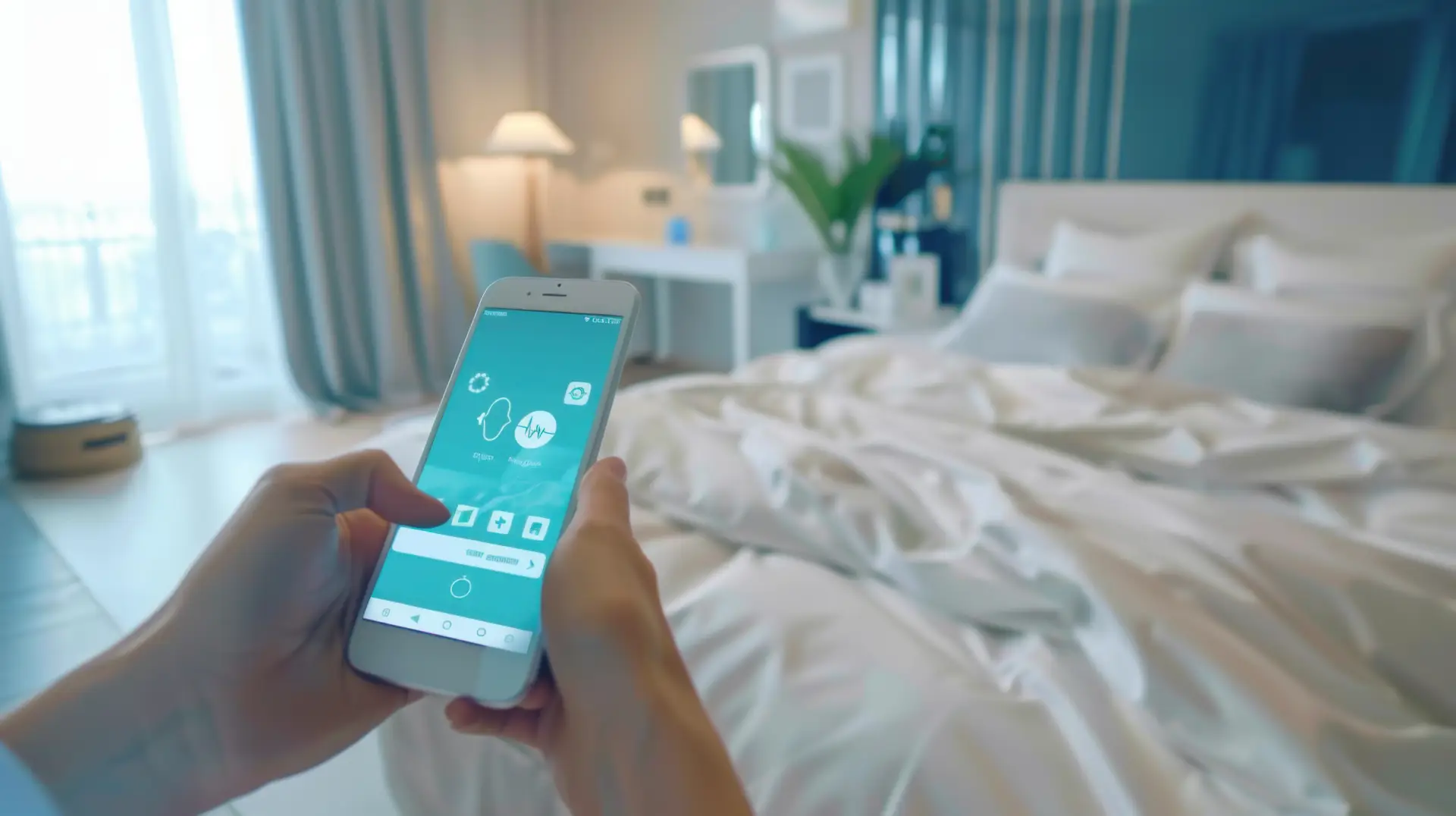
Yes. Most modern hotel guest apps let you choose when your room gets cleaned, skip a day, or request a quick refresh instead of a full service. Instead of a fixed housekeeping round, the schedule bends around your plans.
This matters more than it sounds. Travelers increasingly expect to manage their stay from their phone. Research shows 62% of guests prefer app-based check-in and check-out, and that same comfort with self-service now extends to housekeeping. Choosing your own cleaning time is simply the next step.
How to Schedule Room Cleaning From a Hotel App
To schedule room cleaning from a hotel app, open the app, find the housekeeping section, pick your preferred time, and confirm. The steps are nearly identical across most hotel guest apps.
- Open the hotel app and sign in. Use the link or QR code the hotel shared at check-in. A long download is usually not needed.
- Go to the housekeeping or services menu. Look for “Housekeeping,” “Room Cleaning,” or “Services.” This is where cleaning requests live.
- Pick your cleaning type. Choose a full clean, a light refresh, a towel change, or turndown service, depending on what the hotel offers.
- Choose a date and time slot. Select a window that fits your day, like late morning while you are out for breakfast.
- Add notes and confirm. Mention anything specific, such as extra towels or a fragrance-free clean, then submit. You get a confirmation, and often a status update once the request is done.
That is it. The request reaches housekeeping as a clear task, not a phone message someone might forget.
What Else You Can Control in the App
A cleaning time is only part of it. A good hotel app puts the rest of your housekeeping preferences in your hands too.
- Skip cleaning: Opt out for a day, and some hotels reward it with loyalty points or perks
- Do not disturb: Set it digitally so staff can see it without knocking
- Extra requests: Ask for fresh towels, toiletries, or an extra pillow in a tap
- Real-time status: Watch when your request is accepted and completed
- In-app messaging: Message housekeeping directly if your plans change mid-day
This turns housekeeping from something that happens to you into something you actually control.
Also Read:Guest Request Management: How to Avoid Missed Requests During Peak Hours
Why App-Based Cleaning Scheduling Helps Hotels
Letting guests set their own cleaning time is not only convenient for travelers. It makes the whole operation run smoother. When requests come through a hotel housekeeping app instead of the front desk, staff get a clean, time-stamped task list and can plan around real guest availability.
- Housekeeping routes its work around when rooms are actually free
- Fewer front desk calls clog the phone line during busy hours
- No confusion over paper “do not disturb” signs left on doors
- Every request is logged, so nothing gets missed at shift change
Some properties report a sharp drop in front desk calls once guests start handling requests in the app. Fewer interruptions for guests, fewer wasted trips for staff.
Tips to Get Your Room Cleaned on Time
A few small habits make the schedule work in your favor.
- Book your slot early in the day, since peak windows fill up fast
- Pick a time when you will be out, so staff get clear access
- Use the notes field for anything specific instead of waiting to ask in person
- Check the status update before assuming the clean is done
Also Read: In-Room Dining Ordering: How Guests Order Food & Drinks From Their Room
Bringing It Together
Learning to schedule room cleaning from a hotel app takes about a minute and saves you the hassle of phone tag or a knock at the worst moment. You control the when, the what, and the how. For the hotel, it means tighter scheduling and fewer missed requests. For you, it means a room that is ready exactly when you want it.
FAQs
Can I choose what time my hotel room is cleaned? Yes. Most hotel guest apps let you pick a cleaning time slot that fits your day. Open the housekeeping section, choose your window, and confirm. Staff then clean your room during that time instead of on a fixed round.
How do I request housekeeping from a hotel app? Open the app, go to the housekeeping or services menu, select the service you want, and submit. The request reaches the housekeeping team directly, usually with a status update once it is done.
Can I skip room cleaning using the app? Yes. Many apps include a skip-cleaning or do-not-disturb option. Some hotels reward guests who skip a clean with loyalty points or small perks, since it saves water, linen, and labor.
Do I need to download an app to schedule room cleaning? Often no. Many hotels use a web-based guest app you open through a link or QR code, so you can request housekeeping and set a cleaning time without installing anything.