
Hotel Food Ordering App: How Guests Order Food to the Pool or Lobby
By Foodle+ Team • 8 Aug • 5 MINS READ
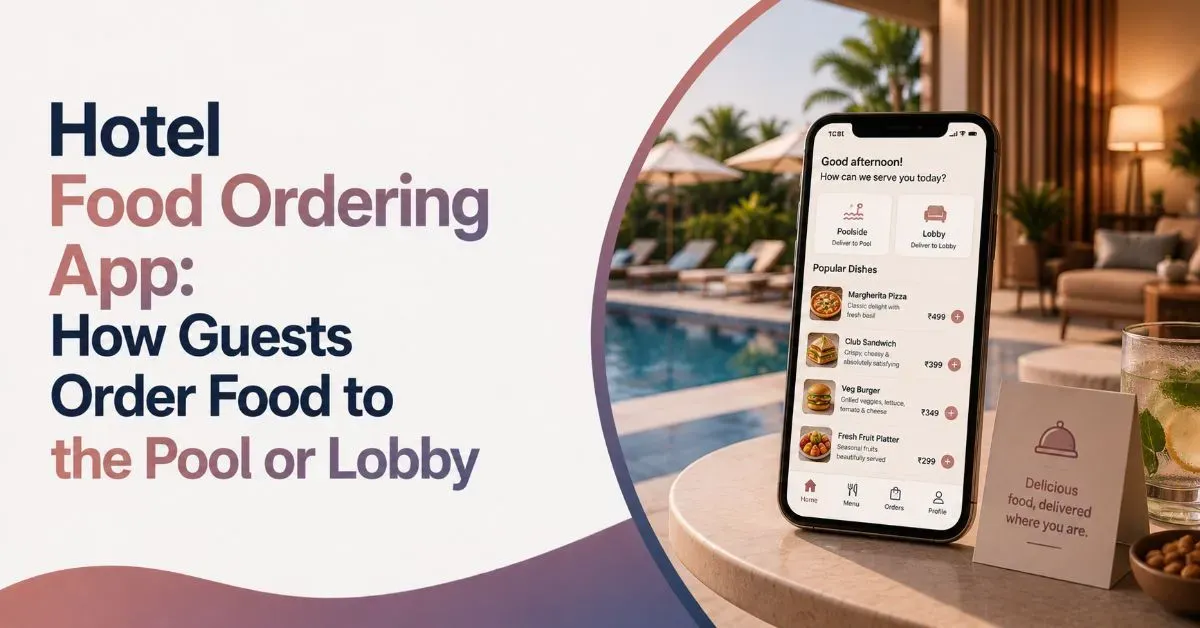
You are settled on a sun lounger, finally relaxed, and then hunger hits. Getting up to find a server or walk to the front desk is the last thing you want. The good news is, you do not have to.
At more and more hotels, a hotel food ordering app lets you order food from your phone and have it brought to the pool, the lobby, or wherever you happen to be. Scan a code, browse the menu, tap a few items, and the kitchen gets your order in seconds.
Here is how it works, where your food can reach you, and a few tips to get it faster.
Can You Order Food to the Pool or Lobby From Your Phone?

Yes. Most hotels with digital menus let you order meals to almost any spot on the property, not just your room. Poolside loungers, the lobby bar, the spa, even a rooftop deck can all be delivery points.
This is now what guests expect. Industry research shows most travelers prefer hotels that offer self-service options like mobile ordering and digital menus. Ordering from your phone removes the friction of chasing down a server, which is exactly why it has spread so fast.
How to Order Food From Your Phone in a Hotel
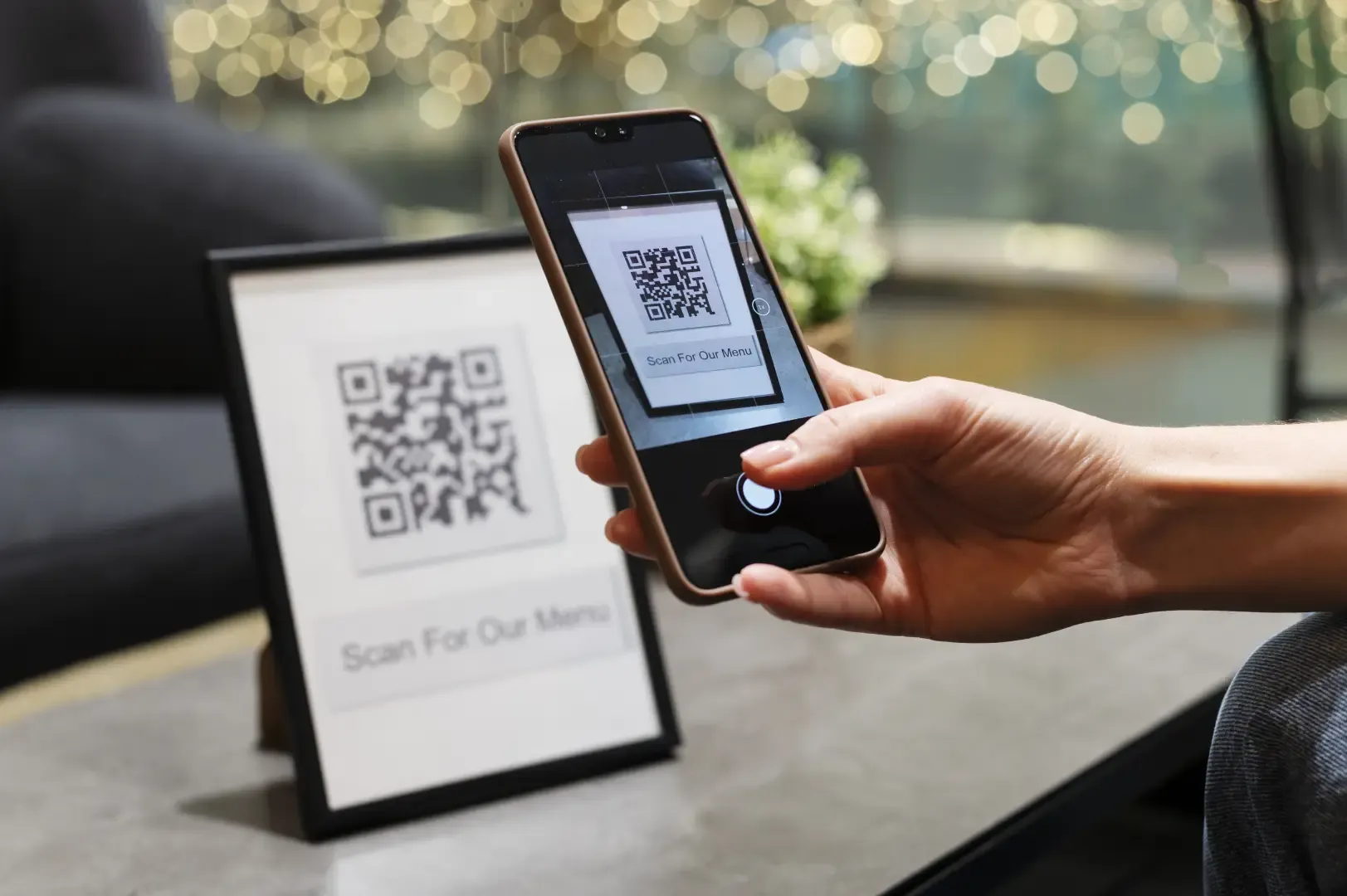
To order food from your phone in a hotel, scan the QR code near you, open the digital menu, choose your items, set your location, and pay. The flow takes under two minutes and needs no app download.
- 1. Scan the QR code: Look for it on the lounger tag, poolside menu stand, lobby table, or your room nightstand. It opens the menu right in your browser.
- 2. Browse the: digital menu. Photos, prices, and descriptions load instantly. Many menus let you filter by vegetarian, allergens, or category.
- 3. Add your items: Tap to build your order. Combos, add-ons, and drinks are usually one tap away.
- 4. Set your delivery spot: Pick where you are, such as "Poolside, lounger 12" or "Lobby lounge." This is what gets your food to the right place.
- 5. Confirm and pay: Pay by card in the menu or charge it to your room, then track the status until it arrives.
That is the whole process. No phone call, no flagging down a server, no losing your spot.
Where You Can Get Your Food Delivered
A good hotel food ordering app is not limited to room service. The same QR code food ordering system can route a meal to wherever you are relaxing.
- Poolside:: Drinks and snacks to your lounger without leaving the water for long
- Lobby and lounges:: A coffee or light meal while you wait or work
- Spa and wellness areas: A smoothie or healthy bite between treatments
- Rooftop and garden decks: Full menu access in open-air spaces
- Your room: Classic contactless room service, still just a tap away
Poolside ordering is where this shines. A relaxed guest rarely wants to stand up and walk to a desk just to place an order, so letting it happen from the phone keeps the experience easy.
Also Read: How Guests Can Schedule Room Cleaning From a Hotel App
Why Hotels Use a Hotel Food Ordering App
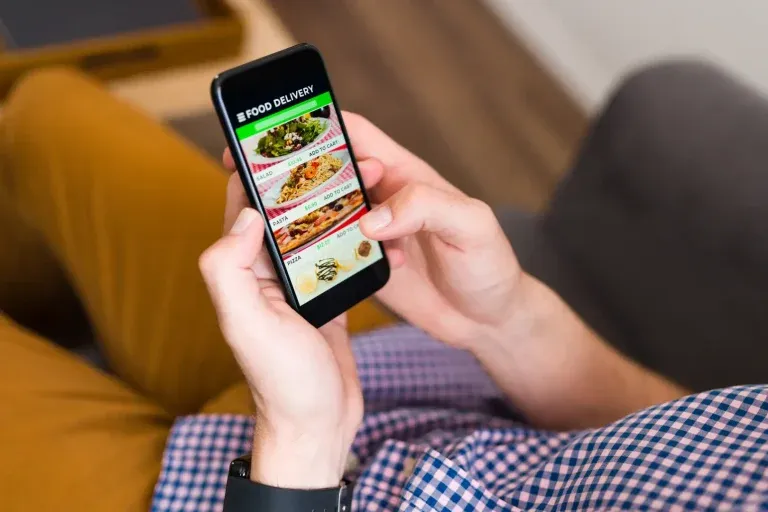
Letting guests order this way is not only about convenience. It helps the hotel run dining smoothly and sell more.
- Orders reach the kitchen or bar directly, cutting mistakes from word-of-mouth requests
- Staff spend less time taking orders and more time delivering them
- Guests order more when the menu is one tap away, which lifts food and beverage revenue
- Every order is logged, so nothing gets lost during a busy afternoon
The result is faster service for you and fewer dropped orders for the hotel. Both sides win.
Also Read: How Contactless Service Improves Guest Comfort in Hotels
Tips for Faster Poolside and Lobby Orders
A few small habits make your food arrive quicker.
- Note your exact spot, like a lounger number, so staff find you fast
- Order before the lunch rush, when kitchens get busiest
- Use the notes field for special requests instead of explaining in person
- Keep the tab open to watch your order status update
Bringing It Together
The days of waving down a server or trekking to the front desk are fading. When you can order food from your phone to the pool, the lobby, or your room, the whole hotel becomes your dining table. For you, food arrives without losing your spot. For the hotel, a hotel food ordering app means smoother service and happier guests.
FAQs
Can I order food to the pool from my phone at a hotel?
Do I need to download an app to order food in a hotel?
How do I pay when I order food from my phone?
Can I order food to the lobby or other areas, not just my room?
Related Posts
Hospitality Automation
What Are the Advantages of QR Code Ordering for Hotels?
8 Aug
Analytics & Reporting
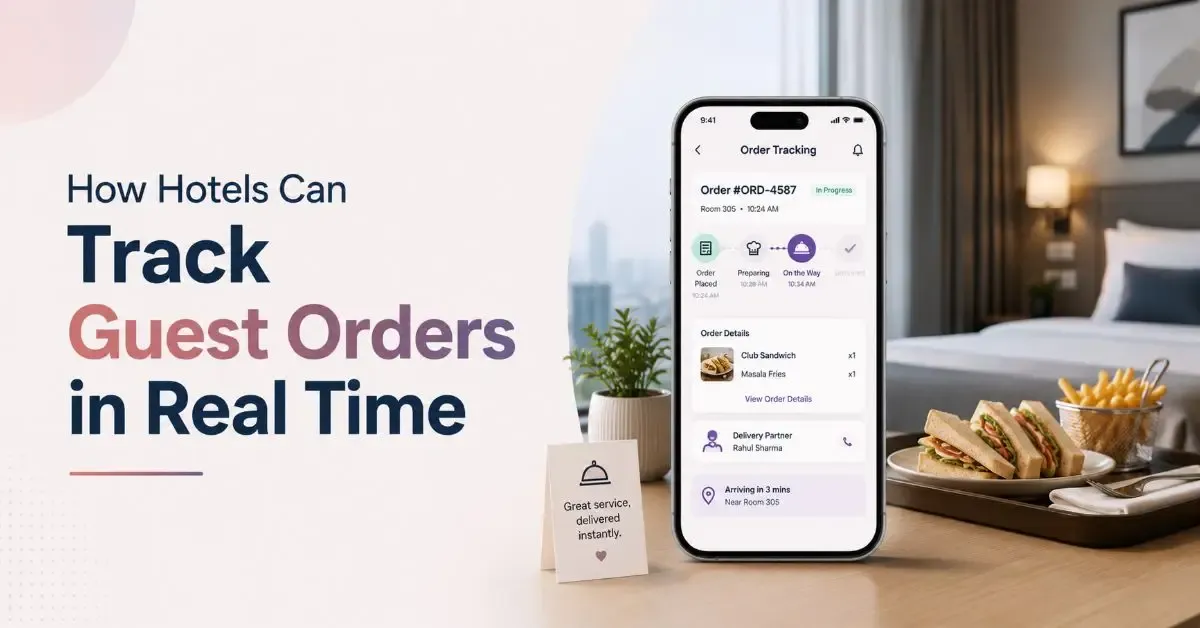
How Hotels Can Track Guest Orders in Real Time
8 Aug
Hospitality Automation
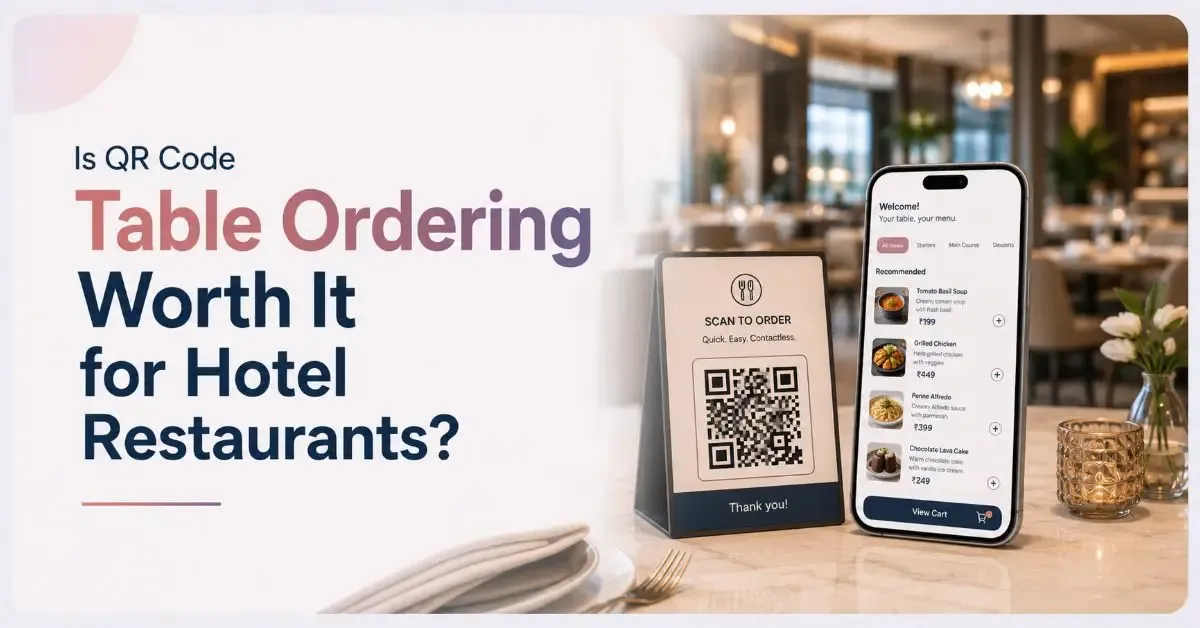
Is QR Code Table Ordering Worth It for Hotel Restaurants?
8 Aug