You’re lying in bed after a long day. You want a snack, maybe a drink. But calling room service means waiting on hold, repeating your order twice, and hoping it comes out right.
That’s changing fast. In-room dining ordering has moved from phone calls to phones themselves. A guest scans a code, taps a few items, and the order goes straight to the kitchen. No hold music. No mix-ups.
This blog walks through exactly how this works today, what guests experience at each step, and why hotels are rebuilding room service around it.
What In-Room Dining Ordering Looks Like Now
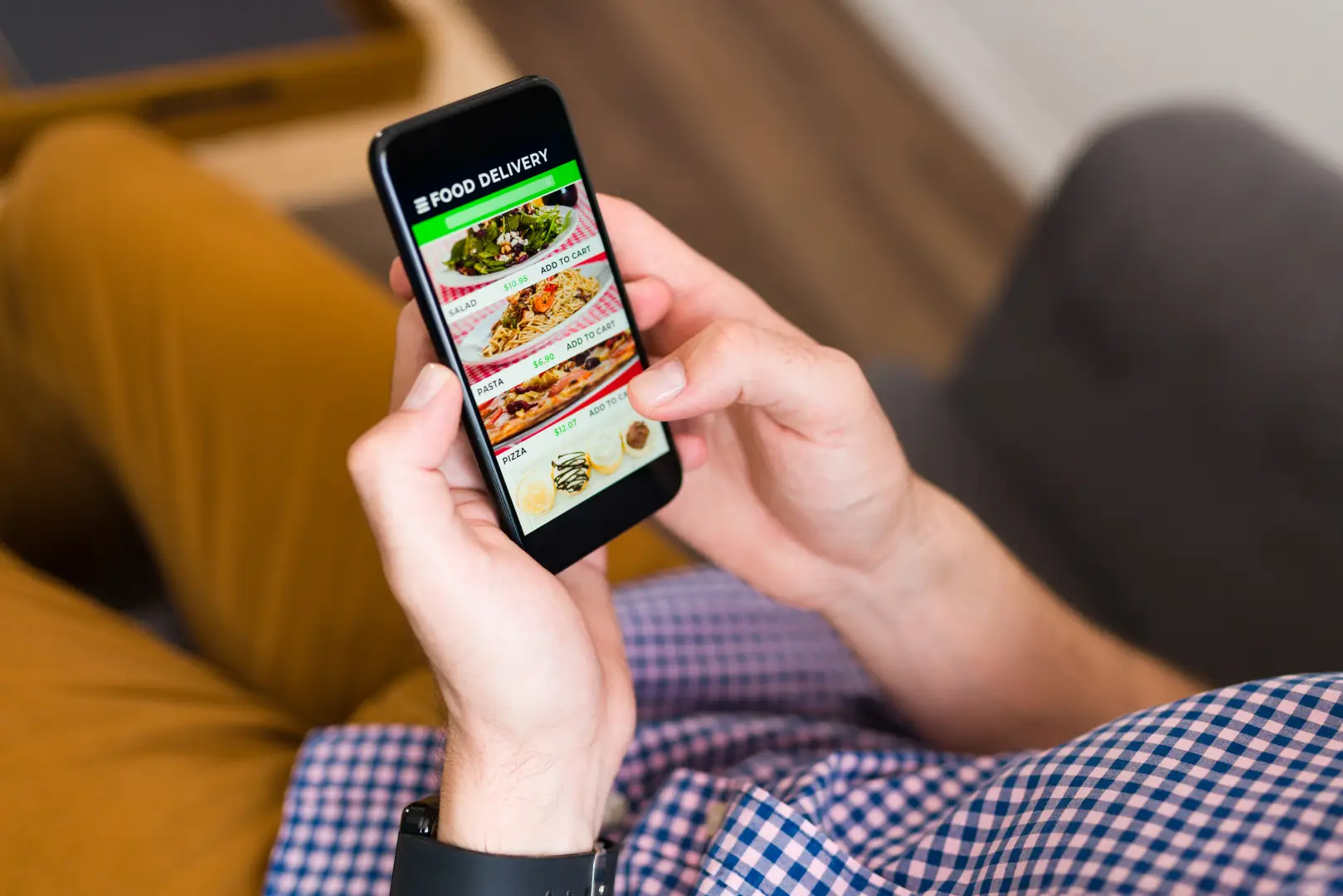
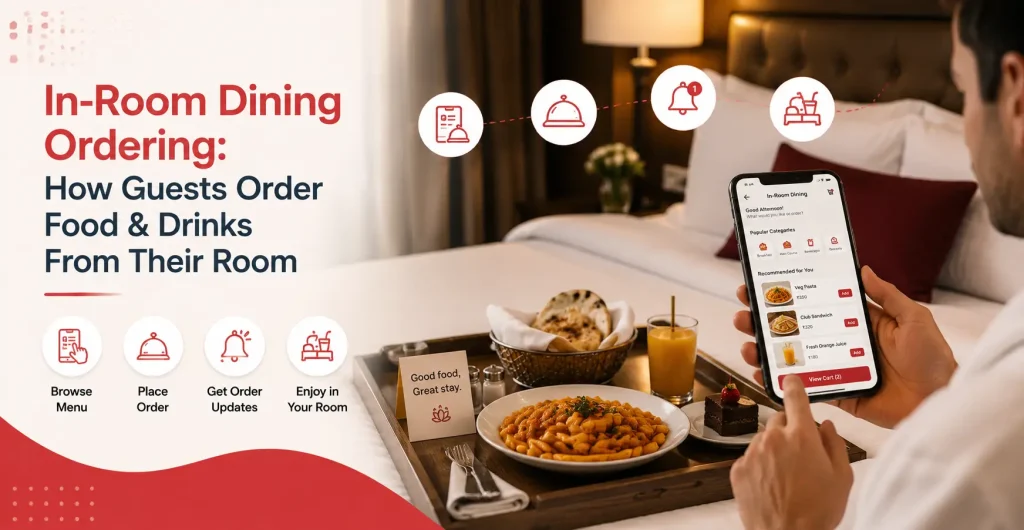
A few years ago, in-room dining ordering meant one option: pick up the landline and talk to someone juggling six other calls. Today, that phone often sits untouched. Instead, guests reach for a small printed card on the nightstand with a QR code menu on it.
Scan that QR code menu, and a digital menu opens right in the browser. No app, no account. Supercode’s hospitality guide notes that a QR code menu on every nightstand lets guests browse full menus with photos, place orders, add special requests, and pay, all without picking up a phone.
What the guest actually sees and does
- A QR code on the bedside table, room directory, or door hanger
- A digital menu that opens instantly in their phone’s browser
- Photos next to each dish, so they know exactly what they’re getting
- Filters for dietary needs like vegetarian, vegan, or gluten-free
- A simple cart and checkout, often with the room charge added automatically
The whole hotel room service process, from scan to order, usually takes under two minutes. Compare that to a phone call where the guest has to explain their room number, describe what they want item by item, and confirm it back, often more than once.
That’s the surface level of in-room dining ordering. The part that makes this actually work well is what happens after the order is placed.
Also Read: How to Use Digital Menu Ordering to Boost Hotel Room Service Sales
How the Order Reaches the Kitchen Without Mix-Ups
Phone orders fail in a predictable way. Someone mishears “no onions” as “extra onions.” A dish gets written down wrong. The order sits on a notepad until someone walks it to the kitchen. With a Digital menu, none of that happens because the guest types the order directly.
Supercode’s QR menu data shows scan-to-order systems used in digital room service send orders straight to the kitchen display, skipping the server-takes-order step entirely. The kitchen sees exactly what the guest typed.
What changes on the kitchen side
- Orders appear on a kitchen display screen the moment they’re placed
- Special requests like “extra spicy” or “no dairy” are written by the guest, word for word
- Room numbers and delivery instructions are attached automatically
- Orders get timestamped, so the kitchen can track how long each one takes
- Multiple orders from different rooms queue up clearly instead of piling on a notepad
Supercode reports that restaurants using a self-serve QR code menu see a 35% increase in sales, with up to 30% higher average order values compared to orders taken by staff. Part of that comes from fewer mistakes in hotel room service ordering. Part of it comes from something else entirely: how guests behave when nobody’s watching them order.
Why Guests Order More When They Order Privately
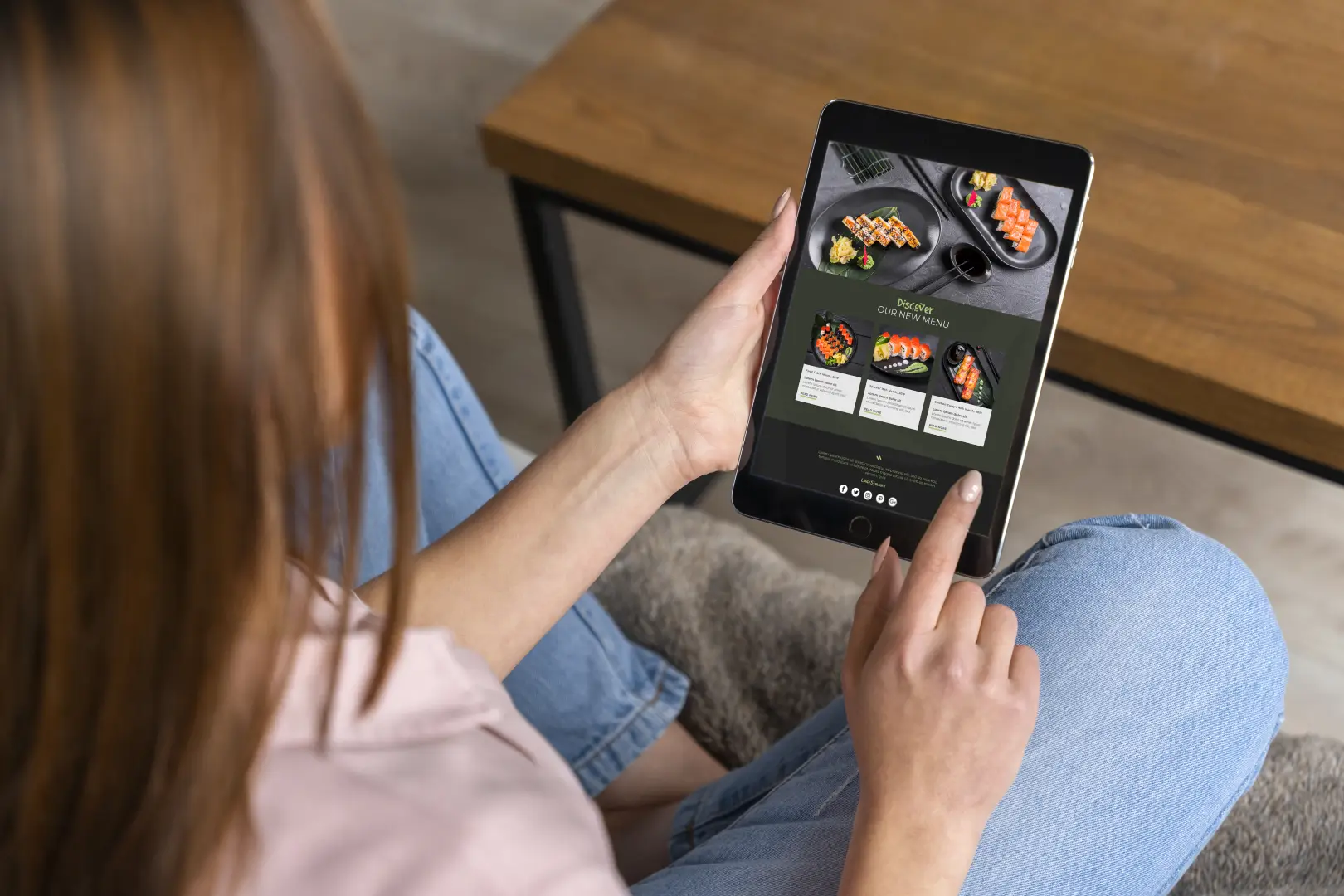
Here’s something most hotels don’t think about. When a guest calls for hotel room service, there’s a small social pressure built in. Ordering three desserts out loud to a stranger feels different from tapping three icons on a QR code menu where nobody can see.
MenuTiger’s research points out that face-to-face upselling can feel pushy, but with digital room service, extras appear as simple choices on the menu, and guests have complete control and add what they want without anyone judging the order.
What guests do differently when ordering on their own phone
- They take time to scroll through the full menu instead of ordering the first thing that comes to mind
- They add extras like a side dish or dessert because nobody’s listening to the order
- They look at photos and pick dishes they wouldn’t have asked about over the phone
- They reorder more easily for a second round of drinks or snacks later in the evening
- They’re more likely to try something new when there’s a picture and description in front of them
Toast’s survey of 850 consumers found that 84% of people prefer seeing photos of food and drinks before ordering, and 42% said having a variety of options is the most important feature of a menu. A QR code menu delivers both of these naturally, in a way a phone call to hotel room service never could. This is part of why in-room dining ordering keeps growing across hotels of every size.
Ordering in Multiple Languages and for Different Needs
International guests face a specific problem with phone-based hotel room service, the kind of digital room service is designed to fix. Even if the hotel staff speaks decent English, explaining a food order with specific preferences, like “no cilantro” or “extra spicy, but not too spicy,” over a phone line with background noise rarely goes smoothly.
A QR code menu solves this with built-in translation, making in-room dining ordering far easier for non-native speakers. MenuTiger’s hospitality use cases highlight menu translation as a core feature of digital room service, helping break the obstacle of miscommunication and improving accessibility for guests browsing in their own language.
How does this help different types of guests
- Guests can switch the menu to their preferred language with one tap
- Dietary filters mean a vegetarian guest doesn’t have to scroll past meat dishes, guessing what’s safe
- Allergen information is listed clearly next to each item, not buried in a footnote
- Guests with hearing difficulties avoid phone calls entirely
- Families ordering for kids can see portion sizes and ingredients before committing
This matters more than it sounds. A guest who struggles to place an order once often just stops ordering altogether for the rest of the stay. Getting this right the first time keeps that channel open for every meal after.
What Happens to the Old Room Service Phone
The landline in the room hasn’t disappeared, and it shouldn’t. Some guests, especially older travelers, still prefer to talk to someone for hotel room service. The shift isn’t about removing the phone option. It’s about making the QR code menu the default while keeping the phone as a backup.
The Digital Hotelier’s framework on QR-first hospitality makes a useful point here: a short call-to-action next to the QR code menu, something like “Order food and drinks to your room,” reliably gets scanned more than a bare code with no text. The placement and wording of the code matters as much as the technology behind in-room dining ordering.
Where this leaves both options working together
- The QR code becomes the fast, default path for most guests
- The phone stays available for guests who prefer speaking to someone
- Staff spend less time on routine orders and more time handling special requests
- Kitchen staff get cleaner order data regardless of which channel was used
- Hotels can track which channel guests prefer and adjust accordingly
Both paths lead to the same kitchen, so nothing gets lost either way with digital room service. It just gives guests the choice that fits how they want to spend their evening.
In-room dining ordering isn’t really about replacing hotel room service. It’s about making it work the way guests already behave on their phones every single day. A QR code menu, a scroll, a tap, and the food arrives through digital room service. That’s the shift, and it’s one most guests notice within the first ten minutes of checking into their room.
Frequently Asked Questions
Q1. How does in-room dining ordering work for hotel guests? Guests scan a QR code placed on the nightstand, room directory, or door hanger. This opens a digital menu directly in their phone’s browser, no app needed. They browse photos, select items, add notes for dietary needs, and submit the order, which goes straight to the kitchen display system.
Q2. Do guests need to download an app to order food from their room? No. Most QR code menu systems open directly in the phone’s browser. The guest scans the code with their camera, the menu loads instantly, and they can place the order without installing anything or creating an account.
Q3. Is QR code room service ordering accurate compared to phone orders? Yes, often more accurate. Since the guests type their own order and special requests, there’s no risk of mishearing items over the phone line. The order appears on the kitchen display exactly as the guest entered it, including notes like “no onions” or “extra spicy.”
Q4. Can international guests order food in their own language using QR menus? Yes. Most digital menu platforms include built-in translation, so guests can switch the menu language with one tap. This removes the communication barrier that often comes with phone-based room service in a guest’s non-native language.
Q5. Do hotels still offer phone-based room service alongside QR ordering? Most do. The phone remains available for guests who prefer speaking with staff, especially older travelers. QR ordering becomes the default and faster option, while the phone acts as a reliable backup for anyone who wants it.