
Do Small Hotels Need a PMS or Is a Hotel Register Enough?
By Foodle+ Team • • 10 MINS READ
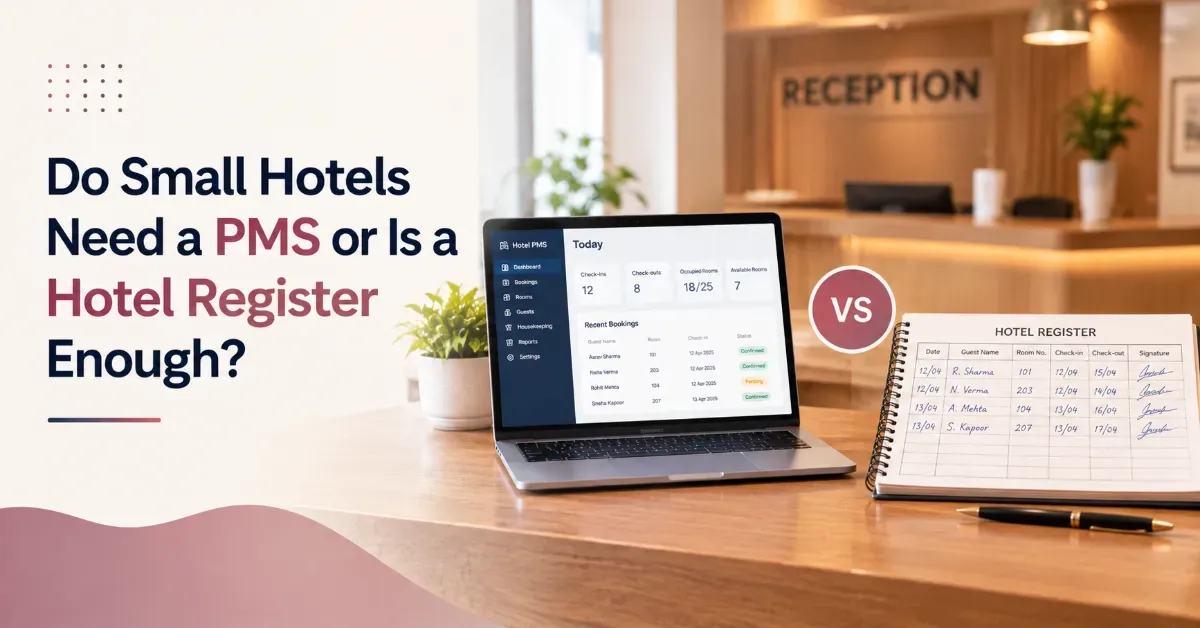
Do small hotels need a PMS? Only some do. A hotel register is enough when one careful person keeps it, rooms sell through one or two channels and there's no restaurant bill to merge. A PMS pays off when rooms sell on several channels, several people edit the record, or food and room charges must share one bill.
Your register has worked for years. So why does a busy Saturday still end with a double booking and a guest standing at the desk?
The honest answer depends on your hotel, not on what vendors say. This post gives you a plain test, shows what changes day to day when you switch, and covers the India details most guides skip.
Expect six warning signs, a task-by-task comparison, the real downsides and a five-step switch plan. No prices, no pressure.
- Is a Hotel Register Enough for a Small Hotel?
- When Does a Register or Excel Sheet Stop Working?
- Hotel Register vs Software: What Actually Changes on a Normal Day?
- Does a PMS Make Sense for a Small Hotel in India?
- What Are the Real Downsides of Switching to a PMS?
- How Do You Move From a Register to a PMS Without Disrupting Guests?
- So, Do Small Hotels Need a PMS?
- Frequently Asked Questions
Is a Hotel Register Enough for a Small Hotel?
Yes, a register is enough for some small hotels. It works when one careful person keeps it, bookings come from one or two places and no restaurant bills need merging. A homestay with three rooms usually fits that description. Most hotels with a restaurant don't.
A register is fine if all four of these are true:
- One person writes every booking and every checkout.
- Rooms sell through one or two channels, or mostly through walk-ins and phone calls.
- There are no restaurant, spa or room-service charges to add to the room bill.
- The owner is on the property most days and knows every room by heart.
Tick all four? Keep the register, and don't let anyone sell you software you won't use. The trouble starts when even one of those four stops being true.
When Does a Register or Excel Sheet Stop Working?
A register stops working when two people can change the same booking, or when the same room can be sold from two places. That's when rooms get sold twice and bills go missing. Watch for these six signs in your own hotel:
- A walk-in and an OTA booking land on the same room for the same night.
- A guest checks out but the room isn't marked, so it's sold again or shown dirty to the next arrival.
- A dinner or room-service bill never reaches the room account, and the guest argues at checkout.
- Rates change in several places, and one of them is always out of date.
- You're away from the property and can't see tonight's rooms without calling the desk.
- Month-end figures are added up by hand, so you learn about a slow month after it's over.
Three or more of these, as a rule of thumb rather than a study, means the register is now creating work instead of saving it. A separate guide on how manual operations leak revenue goes deeper on where the money goes.
Excel isn't much safer. In audits of spreadsheets in general, not hotels, errors turned up in 91% of the 54 spreadsheets checked from 1997 onward. A typo in one cell of a room sheet won't announce itself. It just sits there until a guest arrives.
Hotel Excel Sheet vs PMS: A Quick Self-Test

Answer yes or no. Three or more yeses means the sheet is costing you more than it saves.
- Does more than one person edit the same sheet or register?
- Have you double-booked a room in the last six months?
- Do you match OTA bookings against your records by hand?
- Does it take more than a minute to know tonight's occupancy?
- Would losing the laptop or the book mean losing bookings?
Hotel Register vs Software: What Actually Changes on a Normal Day?
The work stays the same. Rooms get booked, guests check in, bills get made. What changes is who does the repeating part. With software, the system carries a booking from reservation to invoice, so your desk stops copying the same details into three places.
Nothing here is magic, and a PMS for small hotel owners can stay simple. Use only the parts you need.
Where Software Doesn't Help
It won't fix a team that skips entering bookings. A system is only as good as the last booking someone typed in. And it doesn't replace the judgment of a good front desk.
Does a PMS Make Sense for a Small Hotel in India?
Yes, if you sell rooms through several channels or run a restaurant. In India, three details matter: GST on every invoice, guest ID records and foreign guest reporting. A PMS helps with the first two. The third stays a separate job. A HotelTechReport survey found that 86% of hoteliers name the PMS as the most important system for day-to-day operations.
GST first. Doing it by hand means a chance of error on every bill, and the property pays for that mistake. A PMS calculates it automatically on the invoice. Then IDs. Aadhaar, PAN or passport copies in a drawer are easy to lose and hard to find, and a PMS stores them digitally.
Foreign guests are different. Hotels have to report them through the online C-Form, and the guidance hosts receive says within 24 hours of arrival. A PMS doesn't replace that step. Check the current rule on the official FRRO portal.
What Are the Real Downsides of Switching to a PMS?
The real downsides are setup effort, training time and needing a steady internet connection. They're one-time or short, but they're real. Ignore them and the switch goes badly, so here's what to expect.
Setup is a one-time job. Room types, rates and upcoming bookings go in before day one. Most teams are comfortable with core functions within the first few days. A cloud system needs internet, which matters if your connection drops often, and the cloud PMS vs traditional PMS guide covers that trade-off.
And cost? It depends on room count and the modules you pick. Ask for the full cost including training and support, then compare it with the missed bills and double bookings you deal with now. The downside is short. Register errors repeat all year.
How Do You Move From a Register to a PMS Without Disrupting Guests?
Pick a slow week and run the register alongside the system for the first week. Train the front desk before the restaurant. That order keeps guests out of the experiment.
- List your room types and rates in one place.
- Choose a start date in a slow week, not a festival weekend.
- Enter every upcoming booking, then check a few against the register.
- Run both for the first week and treat the register as backup only.
- Train the front desk first, then restaurant and housekeeping staff.
So, Do Small Hotels Need a PMS?
If your hotel ticks the four register conditions, stay put. If it doesn't, the question isn't whether to switch but when. Good hotel software for small hotels stays simple and gets used. Start with one problem, like double bookings or lost restaurant bills, and let the rest follow.
Not Sure Where Your Hotel Is Losing Money? Share a few details about your property and get a free review of where manual work is costing you revenue. [Get Your Free Hotel Revenue Audit]
FAQs
Do small hotels really need a PMS?
Is Excel enough for hotel management?
What is the difference between a hotel register and a PMS?
How many rooms should a hotel have before it needs a PMS?
How long does it take to switch from a register to a PMS?
Related Posts

Property Management System
How Can a Hotel Avoid Billing Errors at Checkout?
22 Oct 2026
Hospitality
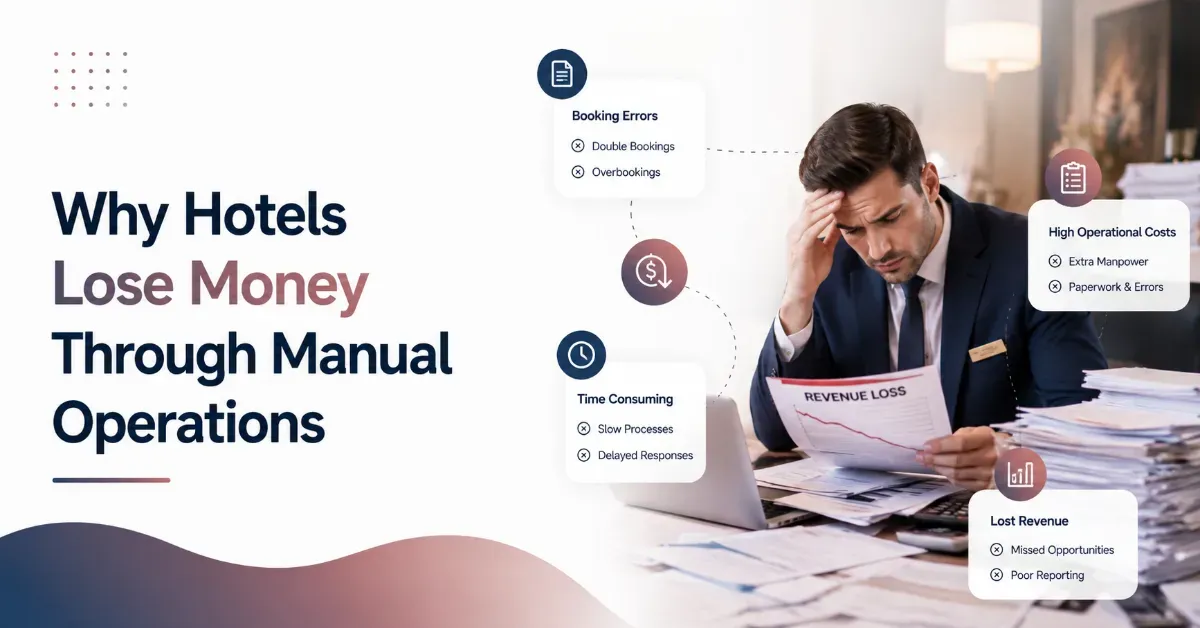
Why Hotels Lose Money Through Manual Operations (And How Hotel Operations Automation Solves It)
19 Aug 2026
Property Management System
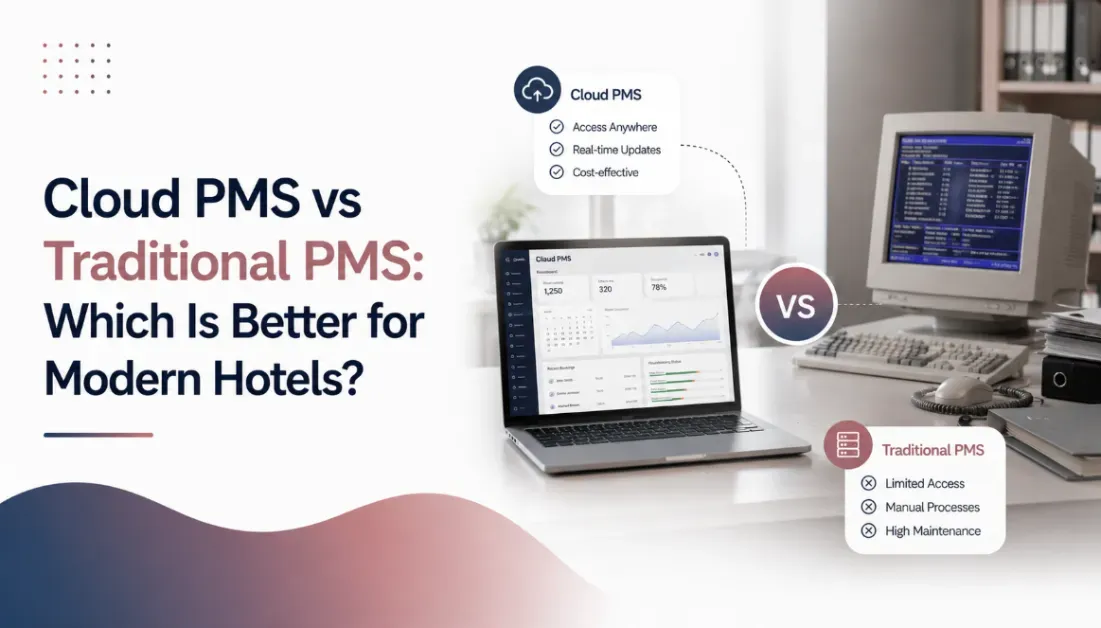
Cloud PMS vs Traditional PMS: Which Is Better for Modern Hotels?
19 Aug 2026