
Best Hotel PMS Software: How to Choose the Right System for Your Hotel
By Foodle+ Team • 19 Sept • 6 MINS READ
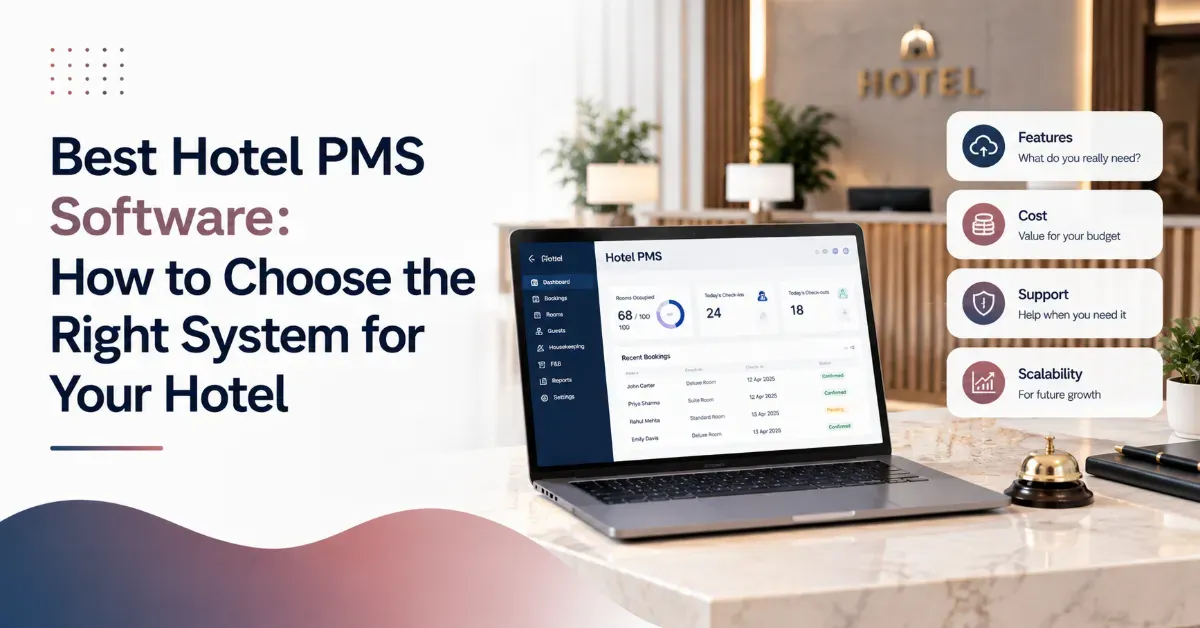
A property management system runs the daily work of your front desk. Reservations, check-in, billing, room status, reports. Get the wrong one and your staff fight the software every shift. Get the right one and it disappears into the background, doing its job while your team focuses on guests.
There is no single best hotel PMS software for every property. A 15-room homestay and a 200-room resort need different things. What matters is knowing which features actually affect your daily operations, and which ones are just marketing language. This guide gives you a clear way to evaluate any system before you commit.
What a Hotel PMS Actually Needs to Do
Before comparing features, get clear on the job. A property management system exists to run five things well.
- Front desk management: check-in, check-out, room assignment, guest records
- Booking and reservation management: availability, rate plans, group bookings
- Billing and payments: folios, GST billing, split payments, refunds
- Housekeeping management: live room status, task assignment, turnaround tracking
- Reports and analytics: occupancy, revenue, staff performance
If a system is weak on any of these five, it is not doing its core job, no matter how many extra features it advertises.
The Best PMS Software for Hotels Checklist
Use this checklist on any demo call. Ask the vendor to show you each item live, not just describe it.
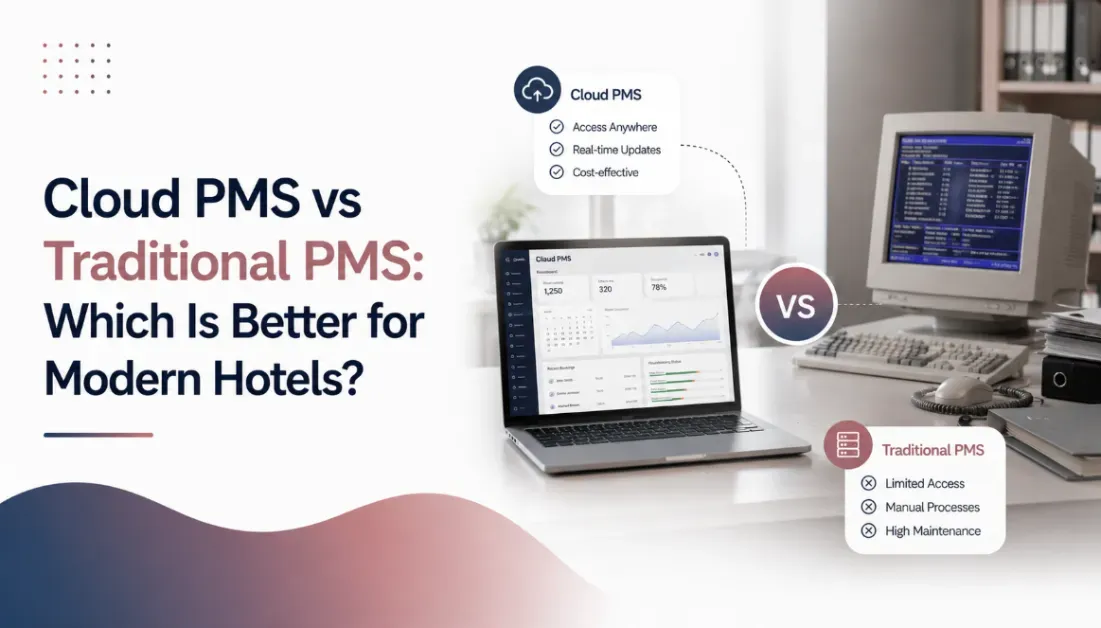
Cloud-Based vs On-Premise: What Actually Changes
Cloud-based systems run on the vendor's servers and are accessed through a browser or app. On-premise systems run on hardware inside your property.
Cloud-based PMS platforms are the fastest-growing deployment model in the industry right now, largely because hotels want lower IT overhead and staff who can check the system from anywhere on the property. Asia-Pacific is seeing the sharpest growth in cloud PMS adoption of any region worldwide, driven by new hotel construction and properties skipping on-premise systems entirely.
For most independent hotels and homestays, cloud-based is the practical choice. Lower upfront cost, no server maintenance, and updates that happen automatically instead of requiring an IT visit.
Questions to Ask Before You Sign
- Does the system work if my internet goes down for a few hours?
- How long does setup actually take, and who trains my staff?
- Can I export my own data if I switch systems later?
- What happens to my existing bookings during migration?
- Is pricing based on rooms, users, or a flat rate?
A vendor that answers these clearly and specifically is more trustworthy than one that gives you a general sales pitch.
CTA: Still Comparing PMS Options?
Talk to our team and find out exactly what to test before you commit to any system.
Common Mistakes When Choosing a PMS
Hotels often pick a system based on the demo alone, without checking how it performs during a busy weekend with real booking volume. Others choose the cheapest option and discover later that reporting is limited or support is slow to respond. A few sign long contracts without testing a shorter trial period first.
The safest approach is asking for a working trial with your own data, not just a guided demo with sample bookings. A system looks very different when it is handling your actual occupancy and your actual staff.
Do You Need a Full PMS or Something Simpler
Not every property needs every module on day one. A small homestay might only need front desk and billing. A resort running multiple departments needs housekeeping coordination, revenue tracking, and reporting depth from the start. Match the system to the size of your operation now, but confirm it can grow with you, since switching PMS platforms later is disruptive and costly.
Bringing It Together
Choosing the best hotel property management system comes down to five things working reliably: front desk, reservations, billing, housekeeping, and reporting. Everything else is a bonus feature, useful but secondary. Test any system with your own data before committing, ask direct questions about setup and support, and pick cloud-based unless you have a specific reason not to.
FAQs
What is the most important feature in a hotel PMS?
Should a small hotel choose cloud-based or on-premise PMS?
How long does it take to set up a hotel PMS?
Can I switch PMS providers later if I am not satisfied?
Related Posts
Property Management System
Hotel PMS in India: Features Hotels Need in a Property Management System
17 Sept
Property Management System
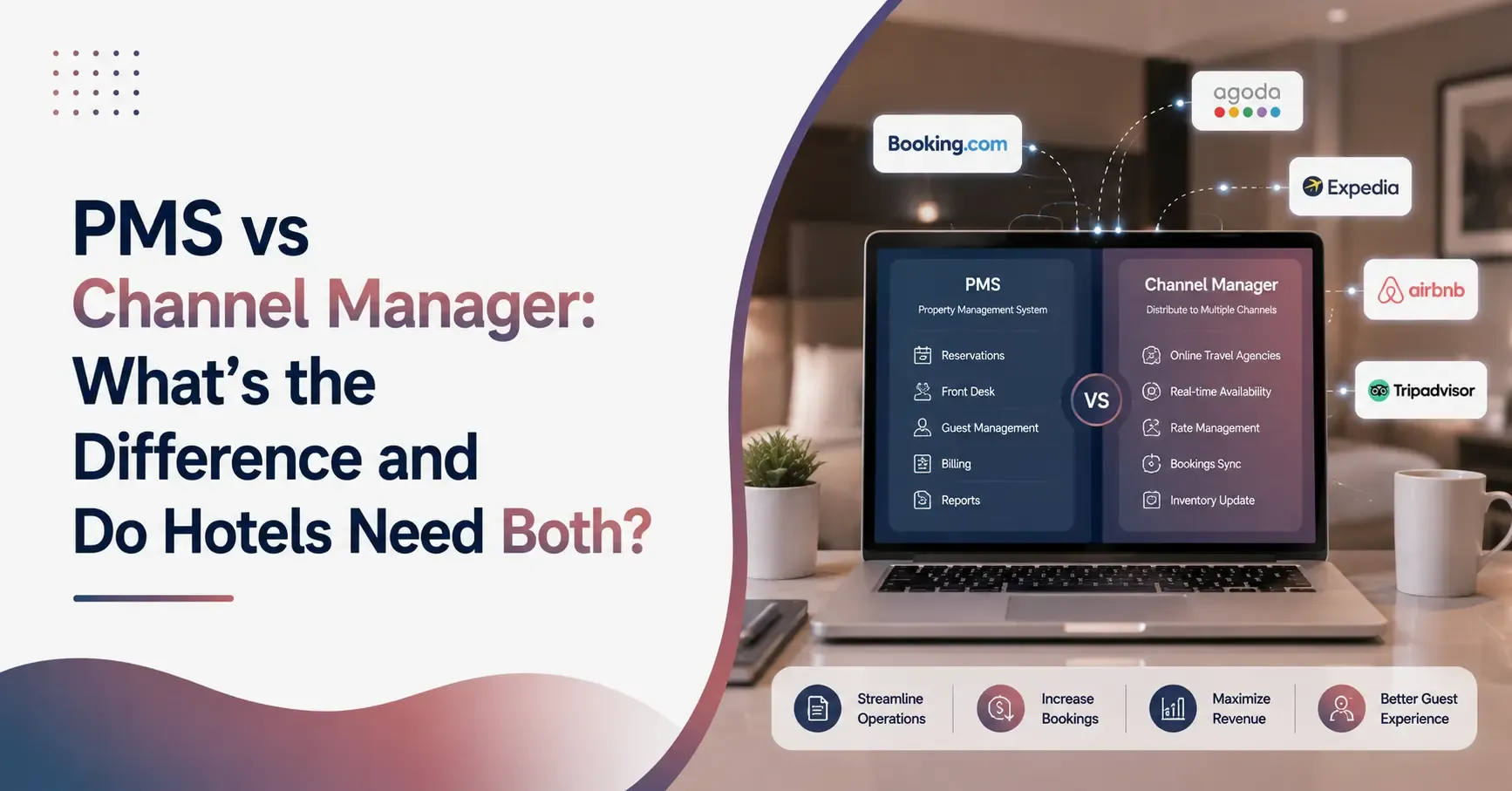
PMS vs Channel Manager: What's the Difference and Do Hotels Need Both?
25 Aug
Property Management System
Cloud PMS vs Traditional PMS: Which Is Better for Modern Hotels?
19 Aug