
What Happens to Your Cloud PMS When the Internet Goes Down?
By Foodle+ Team • • 11 MINS READ
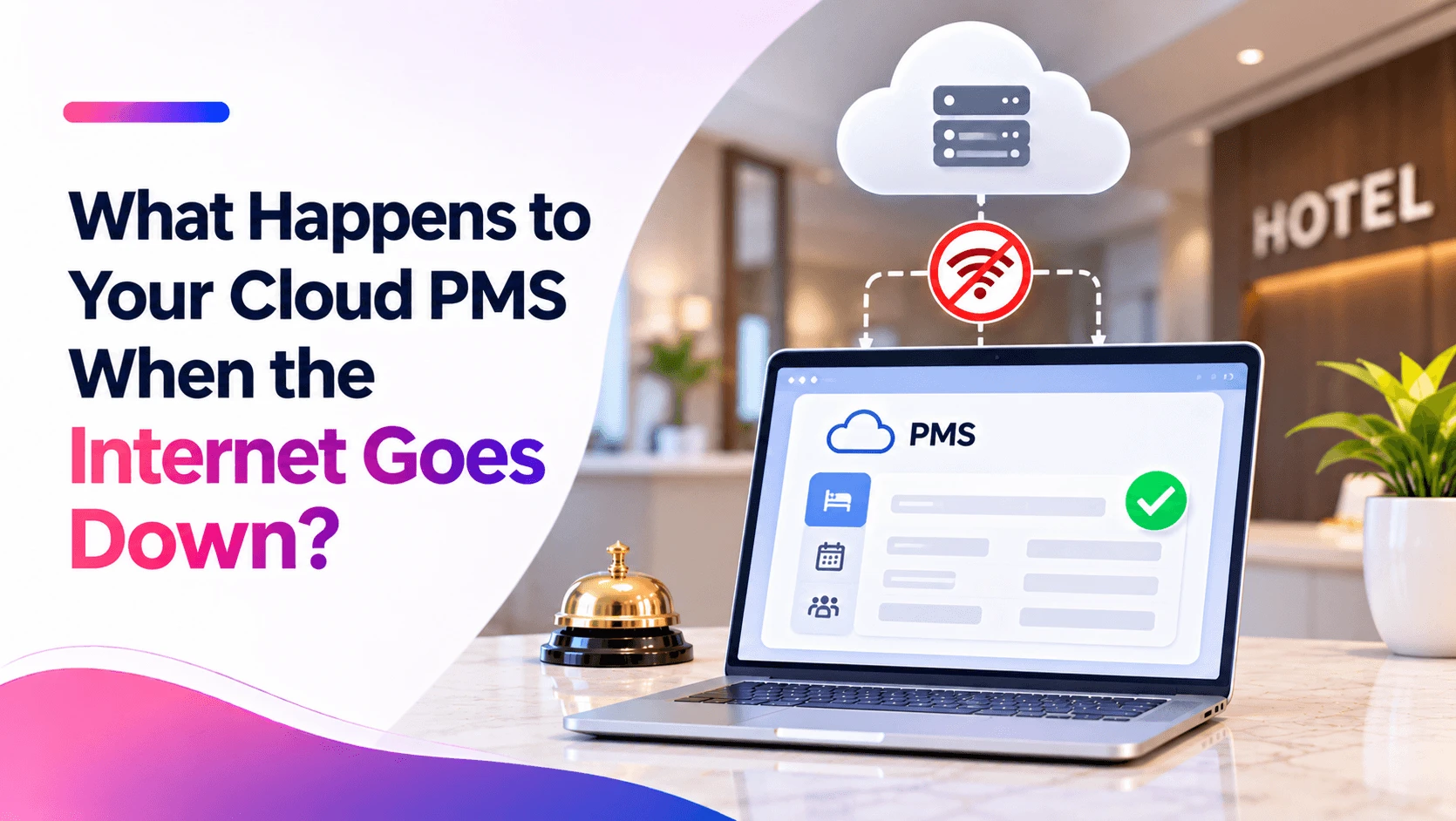
Quick answer: When the hotel's internet goes down, a cloud PMS does not stop or lose data. The software and all the bookings keep running safely on the vendor's servers. What stops is the hotel's access to it. Staff cannot see new bookings, check guests in on the system or post bills until the connection comes back. The fix is a simple backup plan: a second internet line or a mobile hotspot, a printed list of today's guests, and clear steps for staff to follow until the internet returns.
That is the whole fear in one line, right? "What if the internet goes down and my front desk stops?" If your hotel is in a hill town or a Tier 2 or Tier 3 city, you have probably seen the router blink red on a busy evening.
Here is the good news. Your data is not gone, and your system has not crashed. You have simply lost the road to it for a while.
And a road can have a backup. Below, you will see exactly what happens during a cloud PMS internet down moment, what keeps working, what stops, and how a small hotel can keep checking guests in without panic.
- What Happens to a Cloud PMS When the Internet Goes Down?
- What Keeps Working and What Stops?
- Is the Problem the Cloud, or the Hotel's Internet?
- How Can a Hotel Keep the Front Desk Running During an Outage?
- How Much Backup Internet Does a Hotel Need?
- What Is Cloud PMS Offline Mode, and Does a Hotel Need It?
- What Should a Hotel Ask a Cloud PMS Vendor About Outages?
- Conclusion
- FAQs
What Happens to a Cloud PMS When the Internet Goes Down?
A cloud PMS (property management system), also called a cloud based PMS, is hotel software that runs on the vendor's servers, not on a computer inside the hotel. Staff open it in a web browser. So when the hotel's internet goes down, three things are true:
- The system is still running.: It lives on the vendor's servers, so it keeps working for everyone else.
- The data is safe.: Bookings, guest records and bills stay stored where they were. Nothing is wiped.
- The hotel cannot reach it.: Staff at the front desk cannot open the screen until the connection returns.
The hotel-software.io team puts it well. In their view, a cloud PMS usually keeps running on the provider's side and the data stays stored, but the hotel loses real-time access, and that loss of access is often mistaken for a system failure. (Source)
So the real problem during a cloud PMS internet down moment is not lost data. It is a blind front desk. The rest of this guide is about giving that desk a way to see again.
What Keeps Working and What Stops?
This table shows what usually happens during an outage with a fully cloud-based PMS. Every system is a little different, so check the details with your own vendor.
| Task | During the outage | What staff can do |
|---|---|---|
| Bookings already in the system | Safe on the vendor's servers | Use the printed arrivals list |
| New online bookings | Usually still land in the cloud system | Check them once the connection is back |
| Check-in on the system | Not possible without a connection | Fill a paper registration card, enter it later |
| Room status | Cannot be updated on screen | Keep a paper room board at the desk |
| Restaurant and room bills | Cannot be posted to the system | Write numbered paper bills, post them later |
| Card payments | Depends on the card machine | Use a card machine with its own SIM, or take cash |
| Reports | Cannot be opened | Use the reports printed before the outage |
The most important line in that table is the first one. Nothing that was already saved is lost. Staff only need a way to keep working for a few hours and then catch up.
Is the Problem the Cloud, or the Hotel's Internet?
In most cases, it is the hotel's own internet. A single broadband line, a router with no power backup, or a cable cut on the road outside are far more common than a failure at a large cloud data centre.
That matters, because it changes the fix. A hotel cannot control a data centre, but it can control its own connection. A second line and a battery backup for the router solve most outages.
Some owners think software installed on a computer at the front desk is safer. It does keep working when the internet is down. But it moves the risk to that one computer instead. A power cut, a broken hard disk or a virus can stop it, and if there is no backup, the data can be lost for good. This guide on cloud PMS vs traditional PMS explains the difference in more detail.
How Can a Hotel Keep the Front Desk Running During an Outage?

A simple hotel contingency plan, written down and practised once, turns a scary hotel internet outage into a small delay. Split it into three parts.
Before an outage (do this every day):
- Print or save tonight's in-house guest list and tomorrow's arrivals list at the end of each shift.
- Keep a stack of paper registration cards and a numbered paper bill book at the desk.
- Keep a mobile phone or a 4G backup internet dongle ready as a hotspot, with enough data.
- Put the router and modem on a UPS (battery backup), so a short power cut does not drop the internet too.
- Save the vendor's support number and your internet provider's complaint number where every staff member can find them.
During an outage:
- Switch the front desk laptop to the mobile hotspot. A cloud PMS opens in a browser, so it works on any internet connection.
- If the hotspot also fails, move to paper. Check guests in on registration cards and write every restaurant or room service bill in the numbered bill book.
- Keep a simple paper room board so housekeeping and the desk know which rooms are free, dirty or ready.
- Call the internet provider and note the complaint number and the time.
After the internet comes back:
- Enter every paper check-in and bill into the PMS before the next shift starts.
- Check new online bookings that came in during the outage.
- Match the paper bill book with the bills now in the system, so nothing is missed.
- Write down how long the outage lasted and what went wrong, so the plan gets better next time.
How Much Backup Internet Does a Hotel Need?
For most small and mid-size hotels, two independent connections are enough. The key word is independent. Two lines from the same provider, on the same cable, often fail together.
| Setup | Good for | Notes |
|---|---|---|
| One broadband line only | Not enough | One cut cable stops the desk |
| Broadband plus a 4G/5G dongle or phone hotspot | Most small hotels | Cheap and quick to switch |
| Two broadband lines from different providers | Mid-size hotels | Ask for different cable routes |
| Two lines plus a dual-WAN router | Busy hotels and resorts | The router switches on its own when one line fails |
Hotels in hill areas or smaller towns should test the mobile signal at the front desk before relying on a hotspot. A dongle is only useful if there is signal where the desk is.
What Is Cloud PMS Offline Mode, and Does a Hotel Need It?
Some vendors offer a cloud PMS offline mode. This keeps a copy of some data on the hotel's computer so staff can see or enter a few things without internet, and the system matches it up later.
It sounds perfect, but it has limits. When two people change the same booking while one of them is offline, the system has to decide which change wins. The hotel-software.io team notes that this later matching can create conflicting records, which is why many providers focus on keeping the main system stable instead. (Source)
So offline mode is a nice extra, not a replacement for a backup internet line and a paper plan. If a vendor offers it, ask exactly which tasks it covers and how it handles clashes.
What Should a Hotel Ask a Cloud PMS Vendor About Outages?
PMS downtime can come from the hotel's internet or from the vendor's side, so ask about both. Ask these questions in the demo, before signing. Good vendors answer them clearly and in writing.
- What is your uptime record for the last 12 months?: Ask for the real record, not just a promise. A promise of 99.9% uptime still allows about 43 minutes of downtime in a 30-day month.
- When do you do planned maintenance?: It should be late at night, with notice, never during check-in hours.
- Does the system work on a mobile hotspot and on a phone?: If staff can open it in any browser, a hotspot becomes a quick backup.
- Can we print or download today's arrivals and in-house list easily?: This list is the most useful thing to have on paper.
- Is there an offline mode? If yes, what does it cover?: Ask what happens when two people change the same booking.
- How do we reach support during an outage, and how fast do you respond?: Get a phone number, not only an email.
- How are backups done, and how quickly can data be restored?: Ask how often backups are taken and where they are kept.
For more questions to ask before buying, see these 15 questions to ask before buying hotel PMS. For data safety in the cloud, read is cloud-based hotel software safe for guest data.
Conclusion
When the internet goes down, a cloud PMS keeps running and the hotel's data stays safe on the vendor's servers. What stops is the front desk's access to it. A second internet line or hotspot, a UPS for the router, a printed guest list and a simple paper routine keep the hotel running until the connection returns. Ask vendors clear questions about uptime, support and backups, and a cloud PMS internet down moment becomes a short delay instead of a crisis.
FAQs
What happens to a cloud PMS when the internet goes down?
Does hotel software work without internet?
How can a hotel prepare for an internet outage?
Is a cloud PMS reliable for hotels in small towns?
What happens if the internet goes down at a hotel?
Can a hotel lose data if the internet goes down?
Related Posts

Hospitality
How Can Hotels Handle Language Barriers With Foreign Guests?
12 Nov 2026
Hospitality
What Is FRRO Form C, and How Do Hotels Register Foreign Guests?
12 Nov 2026
Hospitality
Do Homestays Need a PMS? A Simple Guide for Guest Houses
11 Nov 2026