
How Do You Manage Multiple Hotels From One Dashboard?
By Foodle+ Team • • 11 MINS READ
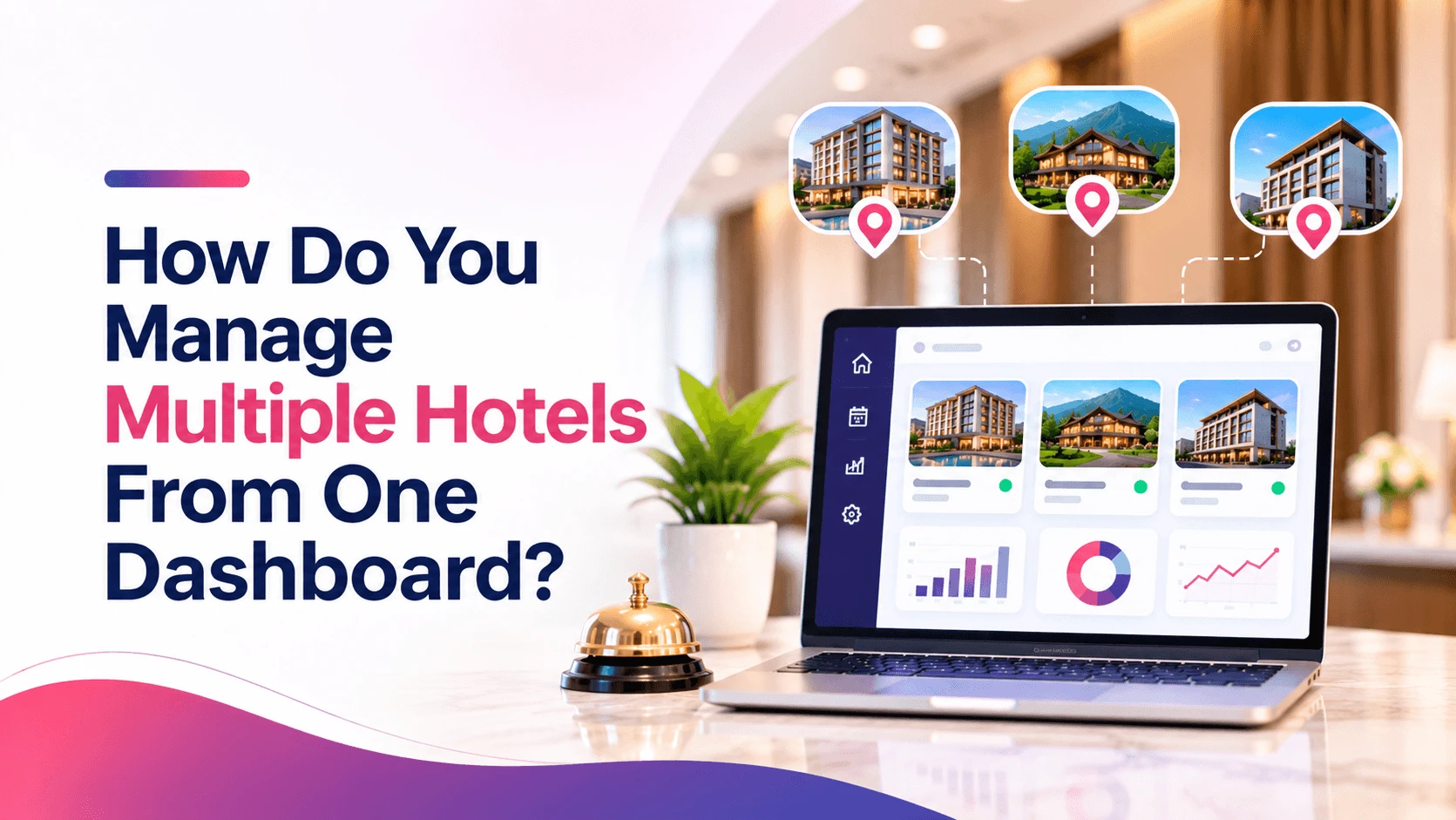
Quick answer: To manage multiple hotels from one dashboard, put every property on the same system and track the same numbers for each one. Give every person a login that matches their job. Then check one screen every morning. That screen should show rooms, money, guest complaints and reviews for all your hotels side by side.
Now Picture a owner named Vikram. He has a small hotel in Rishikesh. Last year he opened a second one in Mussoorie.
Now his day looks like this. Rishikesh has a register. Mussoorie has an Excel sheet. There are three WhatsApp groups, and every morning each manager sends a message that says "all good."
Then one evening Vikram opens Google and sees a new review for the Mussoorie hotel. It says the hot water did not work for two days. Nobody told him. The manager had it under control, or thought so. But Vikram found out from a stranger, and that hurts.
This is not a Vikram problem. It happens to almost every owner who adds a second hotel. One hotel fits in your head. Two hotels do not, and the old way of asking people for updates stops working.
The numbers say the same thing. A 2026 survey of hotel owners and operators by Otelier found that 91% still use some manual reporting. Only 15% felt very sure that their data was correct and on time. And in another survey by Hapi and Revinate, 49% of hotel professionals said they struggle to get the data they need to make decisions about revenue and daily work.
So the fix is simple to say. Get all your hotels onto one screen. The rest of this guide shows how.
- How Do You Manage Multiple Hotels From One Dashboard?
- What Should a Multi-Property Dashboard Show Every Morning?
- How Do You Compare Hotels Week by Week?
- How Do You Keep the Same Standards at Every Property?
- Who Should See What on the Dashboard?
- What Goes Wrong When Hotels Are Managed Without One Dashboard?
- When Is It Time to Move to a Multi-Property System?
- 10 Questions to Ask Before Choosing Multi-Property Hotel Software
- So, Can One Dashboard Really Run Multiple Hotels?
- Frequently Asked Questions
How Do You Manage Multiple Hotels From One Dashboard?
You do it in five steps. Do them in this order, because each step makes the next one easier.
Step 1: Put all your hotels on one system. One system means one place where bookings, room status, guest details and bills live. If Hotel A uses a register and Hotel B uses software, you will never see both on one screen. Pick one system and move every property to it.
Step 2: Use the same names and the same numbers. Call a room type the same thing in every hotel. Count occupancy the same way. If one manager counts "rooms sold" and another counts "rooms booked," the numbers cannot be compared. Write the rules on one page and share it.
Step 3: Give each person a login for their job. The owner sees everything. A manager sees their own hotel. The front desk sees bookings and rooms. Accounts sees bills. Nobody needs to share a password, and nobody sees what they should not see.
Step 4: Look at one screen every morning. Spend ten minutes on it, with your tea. You are not trying to fix things from there. You are trying to spot trouble early, so you can call the right person. The next section shows what that screen should have.
Step 5: Compare your hotels every week. One bad day means little. One bad week tells you something. A weekly look shows which hotel is slipping, and which one is doing something right that the other can copy.
That is the whole method. Most owners skip step 2 and then wonder why their dashboard feels confusing. Do not skip it.
What Should a Multi-Property Dashboard Show Every Morning?

It should show a small number of things, and each one should answer a clear question. If a screen has 40 boxes, you will stop looking at it by Friday.
Here is a good morning list. Keep it to one screen.
| What to check | Why it matters | A warning sign |
|---|---|---|
| Occupancy for today | Tells you how full each hotel is | One hotel is far below the other for no clear reason |
| Arrivals and departures | Shows how busy the front desk will be | Many arrivals but few clean rooms |
| Room status | Shows which rooms are clean, dirty or blocked | Rooms stuck as "dirty" late in the day |
| Room and restaurant revenue | Shows where money came in yesterday | Rooms are full but restaurant sales are low |
| Pending guest requests | Shows who is waiting for help | Requests open for hours |
| Complaints and new reviews | Shows how guests feel right now | A new low review you did not know about |
| Cash and payments | Shows what was collected and what is still due | A big gap between bills made and money received |
Notice that the list includes guest requests and reviews. Many owners only look at money. But a complaint on Tuesday becomes a bad review by Thursday. Seeing it on Tuesday gives you two days to fix it.
If you want a longer list of numbers worth tracking, read the hotel KPIs every owner should track.
How Do You Compare Hotels Week by Week?
Use one small table, once a week, with the same six numbers for every hotel. Then ask one question: which hotel is behind, and why?
| Number | What it means in simple words |
|---|---|
| Occupancy | How many of your rooms were sold |
| ADR | The average price you got for each room sold |
| RevPAR | Room money earned per room you have, sold or not |
| Restaurant and café revenue | Money earned from food and drinks |
| Complaints | How many guests were unhappy |
| Review score | The average rating guests gave you |
A quick example helps. Say Rishikesh has 70% occupancy and Mussoorie has 50%. Many owners would say Mussoorie is weak. But look at the price. If Mussoorie sells rooms at a higher price, its RevPAR might be close to Rishikesh. The full table stops you from judging a hotel on one number.
When a hotel falls behind, do not call the manager and shout. Ask a plain question first. "Rooms are empty on weekdays at Mussoorie. What are guests telling you?" The numbers show you where to look. The manager knows why.
How Do You Keep the Same Standards at Every Property?

Write the same checklists for every hotel and use the same report format. That way, "clean room" means the same thing in Rishikesh and in Mussoorie.
Here is what to make the same.
- Cleaning checklists.: The same steps for every room, in the same order.
- Check-in and check-out steps.: What the front desk says and does for every guest.
- Daily report.: One format, filled in every night, so you can read two reports in a minute.
- Room price rules.: Who can give a discount, and how much.
- Complaint steps.: Who gets told, and how fast.
You do not need to make the hotels identical. A hill hotel and a riverside hotel have different guests. But the basics should match, because guests judge you on the basics.
Who Should See What on the Dashboard?
Give each role only what it needs. This keeps things safe and keeps screens simple.
| Role | Should see | Should not see |
|---|---|---|
| Owner | All hotels, all numbers | Nothing is hidden |
| General manager | Their own hotel in full | Other hotels' money details |
| Front desk | Bookings, arrivals, room status, guest details | Revenue reports and staff pay |
| Accounts | Bills, payments, GST invoices | Guest messages and housekeeping notes |
If a person leaves the job, remove their login the same day. Shared passwords make this very hard, which is one more reason to give everyone their own.
What Goes Wrong When Hotels Are Managed Without One Dashboard?
Four things go wrong, and they usually arrive together. This is the heart of multi property management: when data sits in different places, the owner becomes the only link between hotels, and that link breaks.
- Data is scattered.: Bookings are in a register, bills are in Excel, and complaints are in WhatsApp. Nothing adds up without hours of work.
- Every hotel reports in its own way.: One sends photos of a notebook. Another sends a spreadsheet. You cannot compare them.
- You learn about problems late.: Like Vikram, you find out from a review, not from your own team.
- Too much depends on one person.: If the one manager who "knows everything" is on leave, nobody can answer a simple question.
To see how much this really costs, read why hotels lose money through manual operations.
When Is It Time to Move to a Multi-Property System?
Move when the old way costs more time than a new system costs to learn. For most owners, that point comes sooner than they think.
Here are signs it is time.
- You spend more than an hour a day just asking managers for updates.
- You found out about a serious problem from a guest, a review or a stranger.
- Two hotels give you reports you cannot compare.
- You are afraid to travel because you cannot see what is happening.
- You are planning a third property.
If two of these sound like you, start looking. A cloud system, which runs online and can be opened from any phone or laptop, is usually the right fit here. See how cloud PMS compares with old-style PMS to understand the difference.
10 Questions to Ask Before Choosing Multi-Property Hotel Software
Ask these before you pay for anything. A good vendor answers each one clearly. A weak vendor goes vague.
- Can I see all my hotels on one screen with one login?
- Can each hotel keep its own rooms, prices and staff?
- How do you move my old data over, and who does it?
- Can the system handle different tax rates for different locations?
- What can a manager see, and what stays hidden from them?
- How long does it take to start, from the first call to the first booking?
- How is the price set: per hotel, per room or per user?
- What happens to my data if I leave?
- Can staff use it on a phone?
- Who do I call when something breaks on a Sunday night?
Write the answers down. After three or four demos you will forget who said what. If you also want help picking the right type of software, read hotel software for hotel owners.
So, Can One Dashboard Really Run Multiple Hotels?
Yes, it can, as long as the basics are in place. One dashboard cannot fix a weak team or a bad hotel. What it does is show you the truth early, for every hotel, in one place.
Remember the order. Put all your hotels on one system. Use the same numbers everywhere. Give each person the right login. Look at one screen every morning, and compare your hotels every week.
Do that, and the next time something goes wrong in Mussoorie, you will hear about it from your own screen. Not from a stranger's review.
FAQs
Can one PMS manage multiple hotels?
How do hotel owners track several properties remotely?
What is a multi property management system?
What numbers should a multi-property owner check every day?
How many hotels do you need before a multi-property system makes sense?
Can staff at one hotel see data from another hotel?
Related Posts

Hospitality
How Can Hotels Handle Language Barriers With Foreign Guests?
12 Nov 2026

Hospitality
What Is FRRO Form C, and How Do Hotels Register Foreign Guests?
12 Nov 2026
Hospitality
Do Homestays Need a PMS? A Simple Guide for Guest Houses
11 Nov 2026